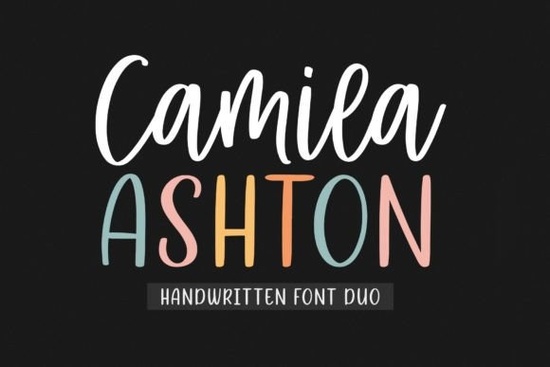
If you’re looking for a handwritten font that feels both modern and versatile, Camila Ashton is worth a close look. It comes as a duo – a flowing script and a clean display style – so you get two looks from one purchase. The letters are well balanced and easy to read, which is why it works for logos, branding, quotes, and even short product labels. Instead of forcing a single mood, Camila Ashton adapts to whatever you’re building, from feminine stationery to bold social media headers.
What makes Camila Ashton different from other script fonts?
Many script fonts lean either too casual or too formal, but Camila Ashton sits right in the middle. The script style has natural, flowing connections between letters, while the display version gives you a slightly more polished, spaced out look. That duo setup means you can pair them together in one design – use the script for the main word and the display for a subtitle or accent. It saves you from having to buy a second font for contrast.
The characters also avoid the uneven spacing you sometimes see in free handwritten fonts. Each letter keeps a consistent rhythm, which makes the whole word feel deliberate rather than rushed. That’s especially useful if you’re selling printables or creating brand assets where professionalism matters.
Who benefits most from using Camila Ashton?
This font fits a wide range of creative projects. Here are some of the users who get the most out of it:
- Print-on-demand sellers – on mugs, tees, and tote bags, the script adds a personal touch without being hard to read.
- Small business owners – use it for your logo, website headers, or social media graphics to give your brand a friendly, approachable voice.
- Invitation and stationery designers – weddings, birthdays, and baby showers often need a font that feels heartfelt but still clear.
- Hobbyist crafters – if you make digital planners, quote prints, or journal stickers, the duo gives you two creative options in one file.
How can you pair Camila Ashton with other fonts?
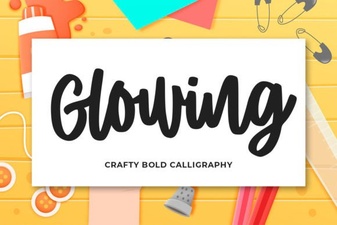
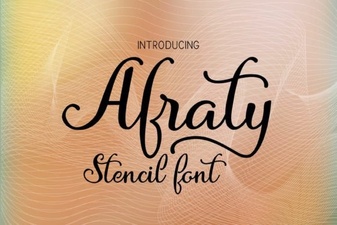
Because it’s a script, you’ll want a clean sans-serif or a simple serif for body text. For example, you could combine the script version with a light, modern sans-serif like Baseline for a relaxed but intentional look. If you need a bolder accent, Milestone gives you a sturdy script contrast. For a stencil-inspired twist, Afraty Stencil pairs nicely because its sharp edges balance the curves of Camila Ashton. A monoline script like Monoline Boho works if you want a similar vibe but with even weight. And Glowing can add a playful, neon-like feel for digital or party designs.
Where can you use Camila Ashton in your design workflow?
- Logos – the display version is great for wordmarks because it stays readable at small sizes.
- Social media quotes – the script adds an authentic, handwritten feel that performs well on Instagram and Pinterest.
- Product packaging – whether it’s a jar label or a box insert, the duo lets you highlight the product name and a short description.
- Digital planners and journals – use the script for headers and the display for date or title lines.
- Wedding stationery – save the date cards and place names benefit from the balanced, romantic look.
Is Camila Ashton easy to install and use?
Yes. It comes as standard OpenType files that work in any major design software – Adobe Illustrator, Photoshop, Procreate, Canva, and even Microsoft Word. You just download, install, and it shows up in your font menu. No special plugins needed.
Quick checklist before you add it to your project
- ☐ Decide which version you need – script vs display – for each part of your design.
- ☐ Try pairing it with a clean sans-serif or one of the recommended scripts listed above.
- ☐ Test readability at small sizes (especially if using for product labels or social media profile texts).
- ☐ Use the font’s natural flow to keep your layout simple – let the letters shine without too many extra ornaments.
- ☐ Download a preview version (most Creative Fabrica pages offer one) to see how it looks with your specific word or brand name.
Next step: grab the font and drop a quote or your business name into a quick mockup. You’ll see right away how the duo gives you two distinct voices without any extra effort.
Download Now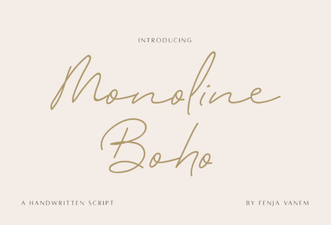 Monoline Boho Font Free Download
 Craft Elegant Glowing Fonts for Your Designs
 Design Bold Ideas with Afraty Stencil Font
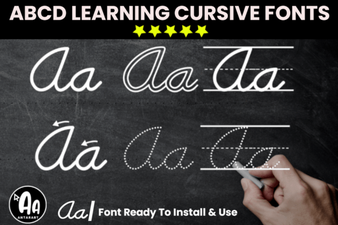 Creative Font Bundle for Cursive Tracing Worksheets
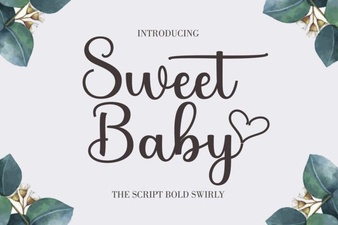 Sweet Baby Font: Perfect for Family Projects
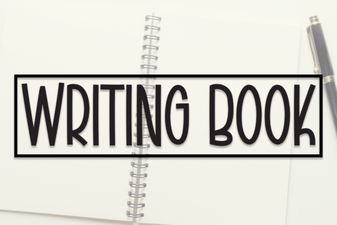 Craft Your Book with the Perfect Typography